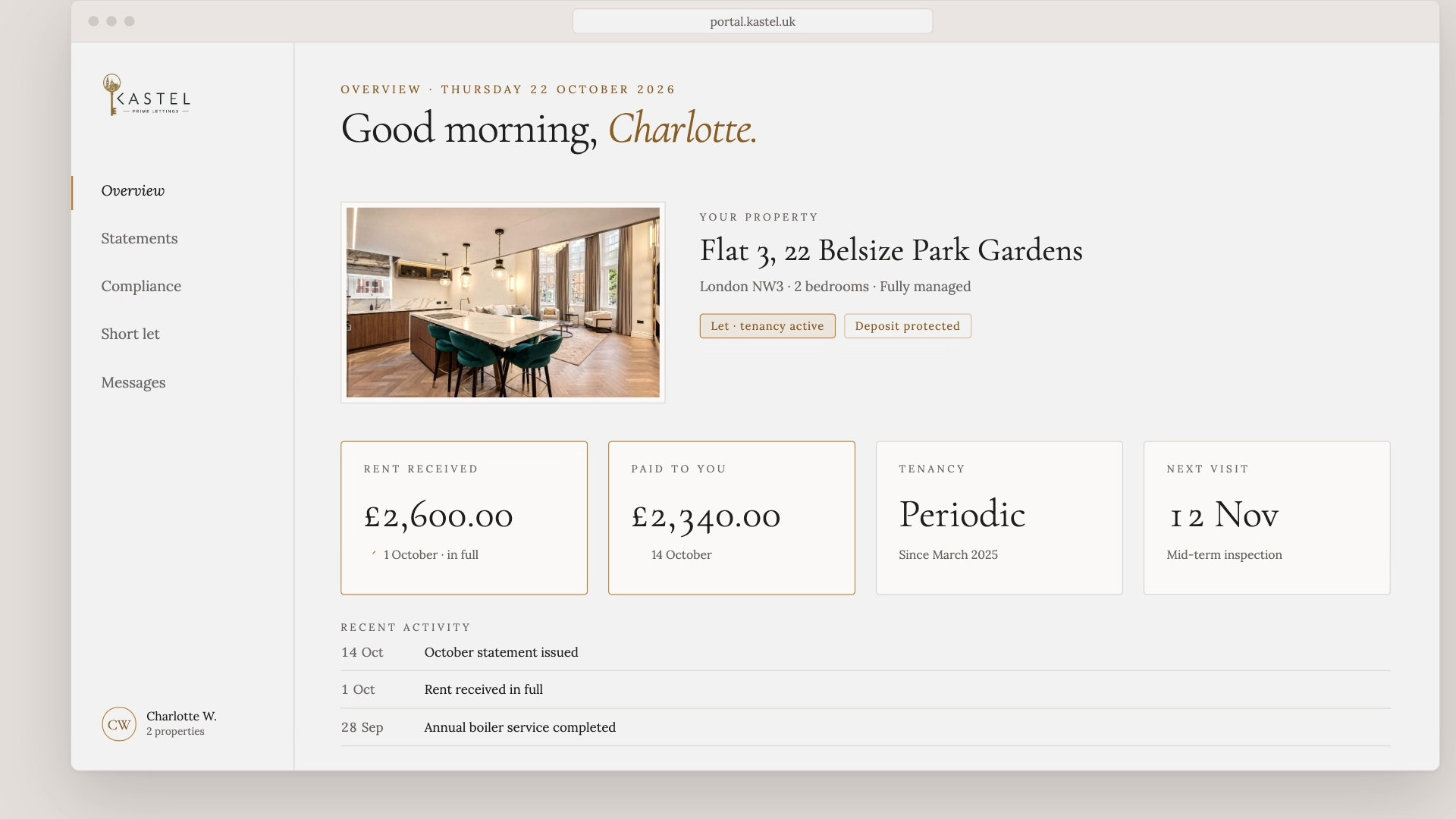
The Kastel landlord portal overview: rent received, paid to you and the tenancy, for a sample property
Overview, statements and certificates. Sample landlord and figures.
Why it helps

Most landlords don’t want a dashboard. They want to stop wondering.

Did the rent come in? Is the gas certificate in date? How did October go? The answer is already on the screen, before you think to ask.

I update the portal myself, so what you see is what I know. And I’m still at the end of the phone.

What you see

Four screens, one for each question a landlord actually asks.

Overview

Rent in, and paid out

What’s been received, what’s been paid to you and when, with the tenancy and the next key date alongside.

Statements

Every statement, ready to download

A PDF for each month. Need a tax year, or a set of dates? You can create that statement yourself.

Compliance

Certificates and deadlines, tracked

Gas safety, electrical report, EPC, deposit protection and the landlord register. Anything due soon is flagged, and where something is with me, it says so.

Short lets

Bookings, earnings and reviews

Your bookings month by month, with earnings, occupancy, nights booked and the latest guest review.

How you get in

By invitation, with nothing to install.

It comes with every property I manage. There is nothing to ask for and nothing to set up.

I invite you

When your property is set up on the portal, I send the invitation to your email.

You look

Open it whenever you like. Your figures, statements and certificates are there.

You ask me

The portal is view-only. Questions and changes come to me, by email or phone, as they always have.

Already a Kastel landlord?

Haven’t had your invitation? Message me.

Message me
Ask Kastel
Hello — I can answer quick questions about Kastel, or pass a message straight to Reece. What would you like to know?